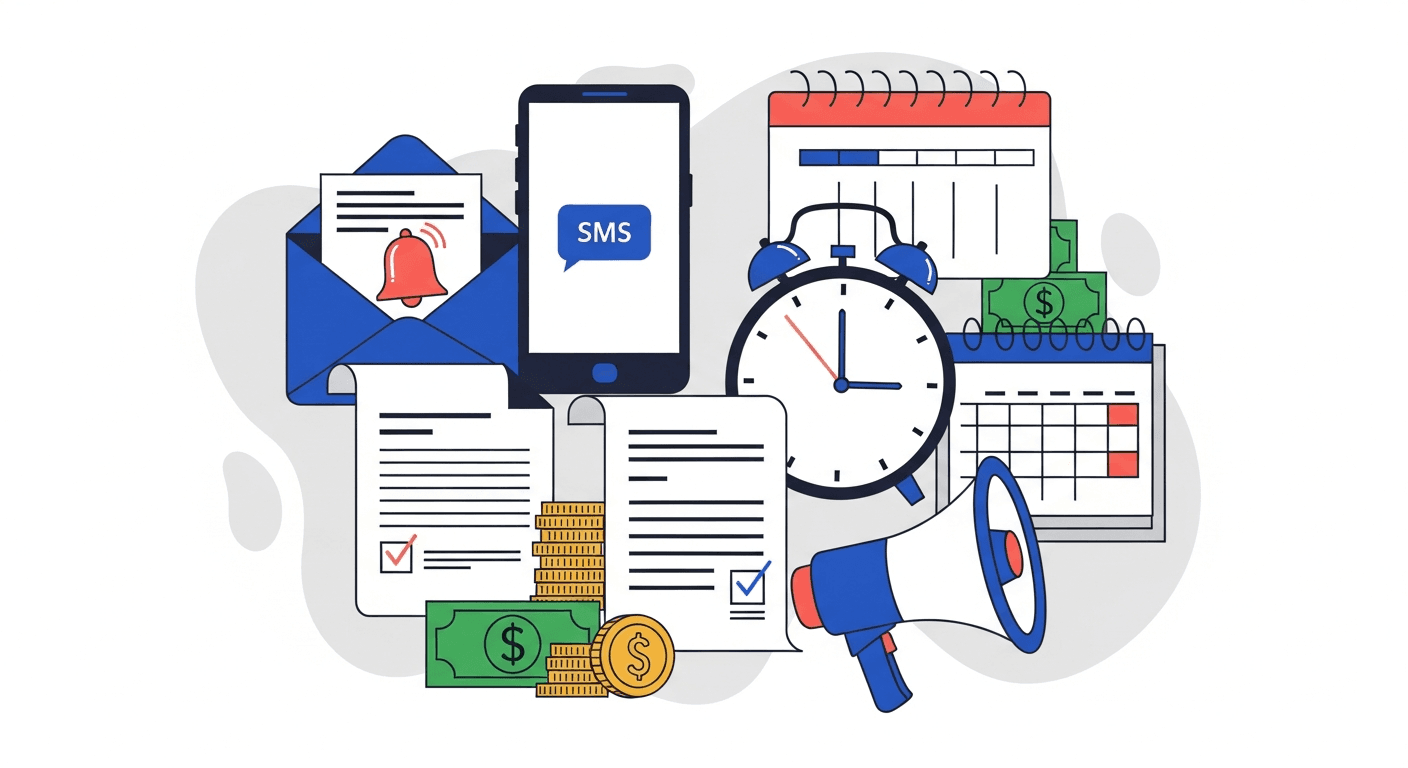
The most effective invoice reminders follow a clear pattern. Start friendly before the due date, add specificity on the due date, increase firmness at 7 and 14 days overdue, switch channels at 21 days, and escalate contacts at 30 days. The key is consistency and channel variety. Email works for the first two touches. SMS and phone become essential after that.
Your invoice reminder process probably looks like this: send an email, wait a week, send another email, forget about it for two weeks, then realize the invoice is 45 days overdue and scramble. Most AR teams do not fail because they lack good intentions. They fail because they lack a system.
The difference between teams that collect on time and teams that constantly chase is not effort. It is structure. A clear timeline, the right channel at the right stage, and consistent follow-through.
This guide gives you the specific templates, timing, and tone guidance to build that system.
Why most invoice reminders fail
Most invoice reminders underperform for predictable reasons.
They start too late. The first reminder goes out days after the due date, when the invoice has already been deprioritized. Sending a courtesy reminder before the due date sets the expectation early and gives the customer time to prepare payment.
They use the wrong tone. Too aggressive too early burns relationships. Too passive too late signals that you are not serious. The tone should escalate gradually with the age of the invoice.
They repeat the same channel. Sending five emails in a row teaches the customer to ignore your emails. Switching to SMS or phone after two or three unanswered emails signals escalation without needing harsh language.
They lack essential details. An email that says "your invoice is overdue" without the invoice number, amount, or a payment link creates friction. The customer has to go find the invoice, figure out the amount, and locate the payment method. Most will not bother.
There is no escalation plan. Without a defined sequence, follow-up is inconsistent. Some invoices get chased aggressively. Others slip through entirely. A documented timeline removes guesswork.
The invoice reminder timeline
The most effective reminder sequences follow a predictable escalation pattern. Here is the framework.
| Timing | Channel | Tone | Goal |
|---|---|---|---|
| 7 days before due | Friendly, courtesy | Confirm receipt, catch issues early | |
| Due date | Professional, clear | Nudge for same-day payment | |
| 7 days overdue | Specific, firm | State overdue status with details | |
| 14 days overdue | Email + SMS | Factual, direct | Add urgency with a new channel |
| 21 days overdue | SMS + Phone | Firm, professional | Reach the person directly |
| 30 days overdue | Phone/Email to senior contact | Escalation | Involve a decision-maker |
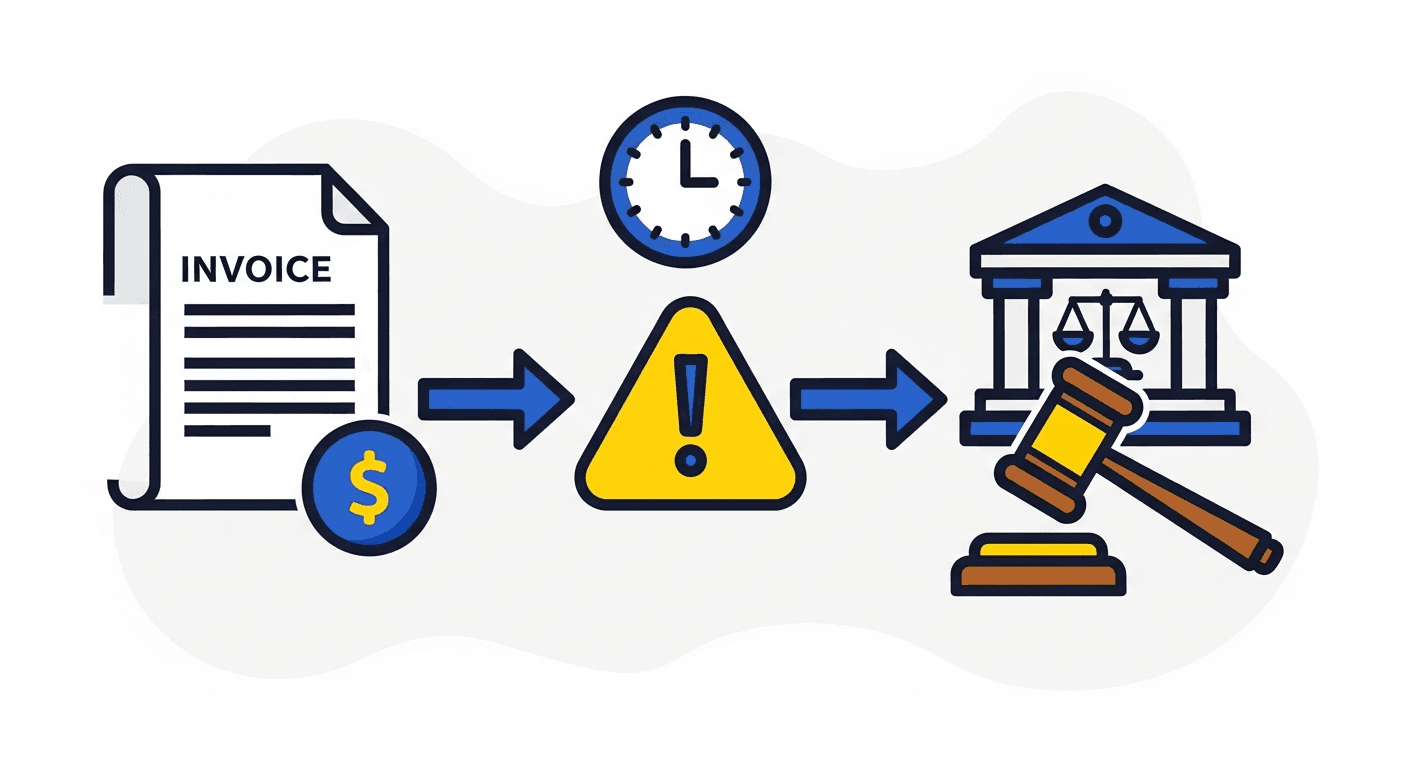
| 45-60 days overdue | Final notice | Formal | Last step before collections |
Each stage serves a purpose. The pre-due reminder is the highest-converting touchpoint because it reaches customers before the invoice becomes a problem. The due-date email catches organized payers. The 7-day overdue email handles those who simply forgot. After 14 days without a response, you need a different approach.
Email reminder templates by stage
Here are the key elements for each stage of email follow-up. Every email should include the invoice number, amount due, due date, and a direct payment link.
Pre-due reminder (7 days before)
Subject line format: "Invoice #[NUMBER] for $[AMOUNT] due [DATE]"
Keep this short and informational. The tone is helpful, not demanding. Mention that you are sending this as a courtesy. Include payment instructions and a link. This is also a good time to ask if there are any questions about the invoice.
Tone: Friendly. Think "helpful notification" not "payment demand."
Due date reminder
Subject line format: "Payment due today: Invoice #[NUMBER] - $[AMOUNT]"
Be clear and direct. State that the payment is due today. Include the payment link prominently. Keep the body to three or four sentences. If the customer has already paid, ask them to disregard the message.
Tone: Professional and straightforward. No urgency language yet.
7 days overdue
Subject line format: "Overdue: Invoice #[NUMBER] - $[AMOUNT] was due [DATE]"
State the facts. The invoice is now [X] days past due. Include the original due date and the current balance. Ask if there is an issue preventing payment. Offer to discuss payment arrangements if needed. Include the payment link.
Tone: Specific and professional. Assume there may be a legitimate reason for the delay.
14 days overdue
Subject line format: "Action required: Invoice #[NUMBER] - $[AMOUNT] now 14 days overdue"
This is where the language shifts. Use "action required" in the subject. Reference previous reminders sent. State the consequences of continued non-payment (late fees, service impact, credit terms review). Keep it factual, not emotional.
Tone: Firm and factual. No apologies for following up.
30 days overdue (escalation)
Subject line format: "Escalation: Invoice #[NUMBER] - $[AMOUNT] past due 30 days"
At this stage, send the email to a more senior contact at the company if possible. Reference the number of previous attempts. State clearly what will happen next (collections referral, service suspension, credit hold). Provide a final deadline for payment or response.
Tone: Direct and formal. This is a business communication, not a request.
SMS reminder guidelines
SMS works because it reaches people where they actually look. A 90% open rate and 90-second average response time make it the most effective channel for overdue invoices. Here are practical guidelines for SMS reminders at different stages.
14 days overdue (first SMS): Keep it under 160 characters. Include your company name, the invoice number, the amount, and a shortened payment link. Example structure: "[Company]: Invoice #[NUM] for $[AMT] is 14 days overdue. Pay here: [link]"
21 days overdue (follow-up SMS): Reference the previous message. Be more direct. Example structure: "[Company]: We have not received payment for Invoice #[NUM] ($[AMT]). Please pay today or call [number] to discuss."
30 days overdue (final SMS): State the escalation clearly. Example structure: "[Company]: Invoice #[NUM] ($[AMT]) is 30 days past due. This will be escalated to collections on [date] without payment. Pay here: [link]"
SMS best practices:
- Always send during business hours (9 AM to 6 PM in the customer's time zone)
- Include your company name so the message is not mistaken for spam
- Include a payment link in every message
- Keep messages under 160 characters when possible
- Never send more than one SMS per day
For the strategic case on why multi-channel outreach works, see our guide on multi-channel payment chasing.
When to switch channels
Channel switching is not random. Follow these rules:
After 2 unanswered emails, add SMS. If two emails get no response, the customer is either not reading email or actively ignoring it. SMS reaches them through a different path. This typically happens around the 14-day mark.
After SMS goes unanswered, escalate to phone or AI voice. A phone call communicates seriousness in a way that text cannot. AI voice calls let you do this at scale without burdening your team. This is the 21-day mark.
After 30 days, escalate to a different contact. If the person you have been reaching is not responding, find a more senior contact at the company. A CFO or VP of Finance may not know that an invoice is overdue. Reaching them often resolves the issue quickly.
Why channel switching works: Different people monitor different channels. An operations manager might not check email until end of day but responds to SMS within minutes. A CFO might ignore SMS but reads every email. By using multiple channels, you increase the probability of reaching the right person at the right time.
Tone and relationship management
The hardest part of invoice reminders is escalating firmness without damaging the relationship. Here is how to handle it.
Early stage (pre-due to 7 days overdue): Assume the best. Use phrases like "just a friendly reminder" and "in case this slipped through." Give the customer the benefit of the doubt. Most late payments at this stage are genuinely accidental.
Mid stage (14 to 21 days overdue): Shift to factual language. Drop the "friendly reminder" framing. State the invoice number, amount, days overdue, and consequences. Do not apologize for following up. You are doing your job.
Late stage (30+ days overdue): Be direct and professional. No emotional language. No frustration. State facts: how many reminders have been sent, what happens next, and the deadline. Professionalism at this stage actually builds respect, even if the conversation is uncomfortable.
Segment by customer tier. Key accounts and long-term customers deserve a more personal touch. A phone call from their account manager at 14 days is better than an automated SMS. Standard accounts follow the automated sequence. New customers with no payment history should be watched more closely.
The golden rule: Be consistent and predictable, not aggressive. Customers respect a structured process. They do not respect inconsistency or sudden hostility.
Common mistakes to avoid
Sending reminders for already-paid invoices. Nothing erodes trust faster. If your system does not sync with your accounting software in real time, you will embarrass yourself. Make sure payment data flows back before reminders go out.
Using a no-reply sender address. If a customer wants to respond with a question or dispute, a no-reply address blocks them. Use a real email address that someone monitors.
Forgetting the payment link. Every single reminder should include a direct link to pay. Do not make the customer log into a portal, find the invoice, and figure out how to pay. One click should get them to a payment page.
Waiting too long to start. The pre-due reminder is the most effective touchpoint in the entire sequence. Skipping it means your first contact is already adversarial ("your invoice is overdue").
Not personalizing. At minimum, use the customer's name and the specific invoice number. Generic messages get treated as spam.
Sending at bad times. Friday afternoon and holiday weekends are the worst times for payment reminders. Tuesday through Thursday mornings get the best response rates.
Automating the entire sequence
Everything in this guide works manually if you have a small number of invoices. But most teams manage dozens or hundreds of active follow-ups at any time. That is where automation becomes essential.
A manual team can realistically handle 20 to 30 active reminder sequences. Beyond that, things start falling through the cracks. Invoices get missed. Follow-ups happen late. Channels do not get switched at the right time.
Yonovo's workflow builder lets you define the entire sequence once: timing, channels, templates, escalation rules, and contact rotation. The system executes it consistently for every invoice, every time. It syncs with your accounting software so paid invoices are automatically removed from the sequence.
If you are evaluating tools, check out our comparison of the best AR automation software. For QuickBooks users specifically, see how Yonovo integrates with QuickBooks to pull invoice data automatically. And if you need guidance on when automated reminders are not enough and it is time to involve a collections agency, read our guide on when to send invoices to collections.
The templates and timing in this guide are a starting point. The best reminder sequences are built through testing. Track which subject lines get opened, which SMS messages get responses, and which escalation points trigger payment. Then refine.
Frequently Asked Questions
When should you send the first invoice reminder?
Send the first reminder 5 to 7 days before the invoice due date. This serves as a courtesy notification, gives the customer time to process the payment, and catches any issues with the invoice before it becomes overdue. Reminders sent before the due date have the highest response rates and set a professional tone for the relationship.
How many invoice reminders should you send before escalating?
Most effective sequences include 3 to 4 reminders before escalating to a different channel or contact. Start with a friendly email before the due date, follow up on the due date, send a firmer reminder at 7 days overdue, and if there is no response by 14 days, switch to SMS or phone. Continuing to send emails after 3 to 4 attempts has diminishing returns.
What should an invoice reminder email include?
Every invoice reminder should include the invoice number, the amount due, the due date or how many days overdue it is, a direct payment link, and clear instructions on how to pay. Keep the email concise. Long explanations get skimmed. The subject line should include the invoice number and amount for easy scanning.
Is SMS effective for invoice reminders?
Yes. SMS has a 90% open rate compared to email's 20 to 30 percent. The average response time is 90 seconds. Adding SMS to your reminder sequence typically gets invoices paid 5 to 7 days faster. SMS works especially well for customers in field roles, small business owners, and anyone who checks email infrequently.
How do you write an invoice reminder that does not damage the customer relationship?
Keep early reminders friendly and assume the best. Use language like 'just a friendly reminder' and 'in case this slipped through.' Avoid accusatory tone. As reminders escalate, shift from friendly to professional and factual. State the facts without emotional language. Consistency and professionalism build trust, even when following up on late payments.
Can you automate invoice reminders?
Yes. Platforms like Yonovo let you build automated reminder sequences that send the right message on the right channel at the right time. You define the workflow once, and the system handles execution. Automated reminders are more consistent and timely than manual follow-ups, and they free your team from repetitive work.